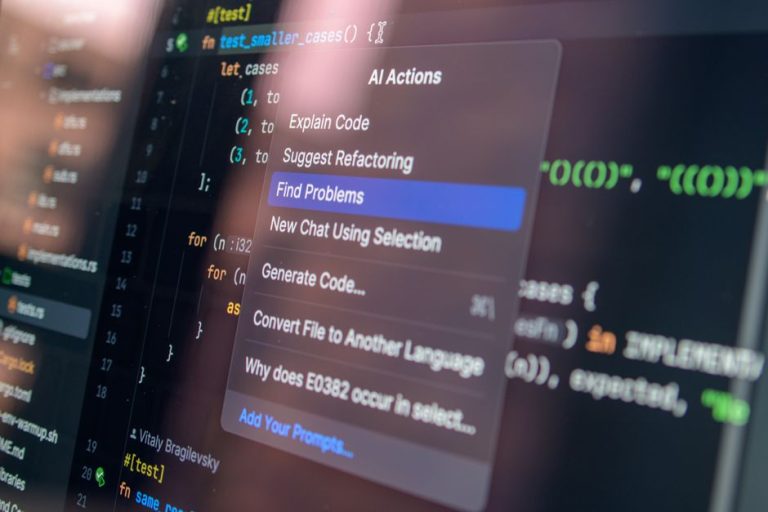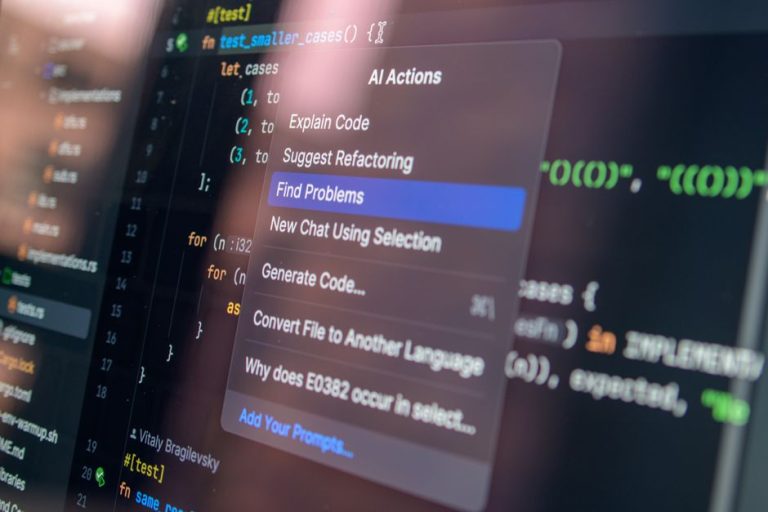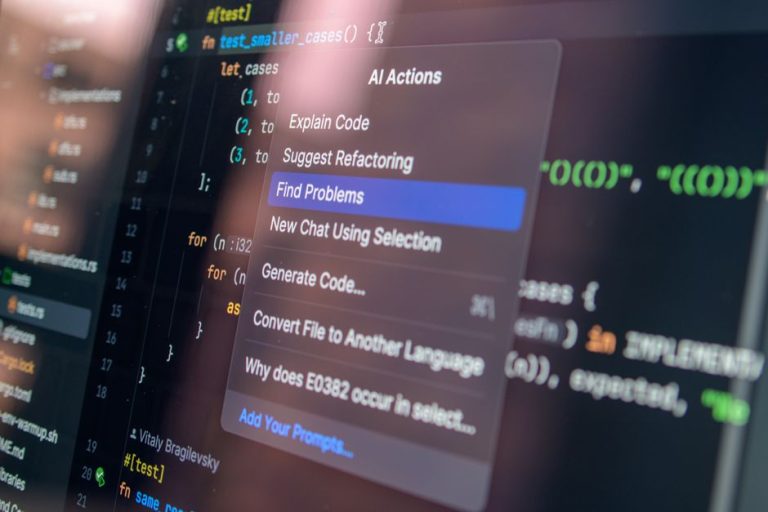
Why JetBrains AI Assistant Credit Burns Faster Than Expected in Kotlin Codebases
This is not a best-of list — those answer a question you didn’t ask. You already bought JetBrains Toolbox. You already write Kotlin. The question is why your 20 JetBrains AI Credits per 30 days disappear before your sprint ends, and what to do about it without throwing more money at the wrong problem.
Step 1: Your Actual Situation
You are on a team that pays for JetBrains Toolbox subscriptions and treats the bundled AI credits as “included.” The vendor’s official pricing page lists the Toolbox bundle as including 20 JetBrains AI Credits per 30 days. For an individual AI Ultimate subscription, the vendor’s official pricing page lists USD 30.00 per month with USD 35.00 in AI Credits including a bonus. You expected this to cover daily Kotlin work — inline completions, chat queries, maybe the occasional Junie agent task. Instead, you are rationing credits by week two or watching colleagues burn through roughly 25% of their balance in the first 4–5 days of moderate use, per published third-party reviews.
The frustration is specific to Kotlin. Teams writing Python or TypeScript in the same organization do not report the same compression. Something in the Kotlin–JetBrains stack inflates the cost of each interaction.
Step 2: The Real Sub-Decisions
To fix this, you must separate three questions:
| Sub-decision | What you are actually judging |
|---|---|
| (a) Token density match | Does your Kotlin codebase’s structure fit within the 20-credit bundle, or is the bundle priced for lighter usage patterns? |
| (b) Feature drain identification | Which feature — inline completion, chat, or Junie agent mode — consumes the disproportionate share? |
| (c) Structural response | Buy top-ups, connect your own API keys via ACP, or augment with a different assistant? |
Step 3: Diagnosing the Bottleneck
The bottleneck is not your usage discipline. It is structural: Kotlin’s language design and JetBrains’ own IDE architecture combine to inflate per-request token counts, while the credit system counts requests or tokens opaquely.
Kotlin’s verbose standard library and type system. Kotlin code carries more tokens per semantic unit than Java or Python. Published third-party benchmarks report that Kotlin evaluation frequently approached 128K token context window limits for Android tasks. The K2 compiler metadata, lengthy type inference chains, and multiple build.gradle.kts files all expand what the IDE sends to the model.
JetBrains’ context window construction. The IDE does not send raw file contents. It sends structured project context — open files, build configuration, previous messages, MCP data. Per the vendor’s official documentation, “the final cost of AI actions depends on multiple factors” including “how much context (files, previous messages, MCP data) needs to be processed.” For Kotlin projects, this context is systematically larger.
The credit opacity problem. Since the August 2025 update, the vendor’s official documentation states that “AI credits reflect the real per-token cost of each request.” However, the vendor does not disclose per-request burn rates. You cannot predict whether a chat query costs a fraction of a credit or multiple credits until after it runs. Published user reports document a trivial Junie task consuming 2 credits — roughly $2 of monthly quota — with the user noting that “a developer doing a handful of similarly small agent requests per day would burn through the entire monthly Ultimate quota in a matter of days.”
This opacity makes budgeting a trust hazard. You are buying a resource without a meter.
Step 4: Prescribed Paths with Named Trade-Offs
Path A: Stay and Pay for Top-Ups
Buy additional credits. The vendor’s official documentation states that AI Credits are valid for 12 months from their purchase date, and each AI Credit equals $1 USD charged in your local currency.
Trade-off accepted: You pay a premium for convenience and unified billing. The vendor’s pricing page does not disclose whether top-up credits cost the same as the effective rate in bundled plans.
Who this is WRONG for: Teams where the credit cost exceeds the underlying model API price. If you are burning through a large portion of your monthly credits quickly, you are likely paying more per token than direct API access. This path is also wrong for teams that need predictable budgets — the opaque burn rate makes forecasting impossible.
Path B: Connect Your Own API Keys via ACP
JetBrains supports the Agent Client Protocol (ACP) and “bring your own key” (BYOK) configuration. The vendor’s official documentation states that you can “connect your own API keys from supported AI providers or use your preferred AI agent via ACP – with no JetBrains AI subscription required.” This routes AI Assistant features through your own provider accounts.
Trade-off accepted: You gain price transparency and direct control over model choice, but you assume full responsibility for spend governance. There is no JetBrains layer capping your usage.
Who this is WRONG for: Teams lacking spend governance tooling. If you cannot set per-developer API quotas, monitor anomaly spikes, or enforce monthly limits at the provider level, this path exposes you to unbounded bills. One runaway agent loop or oversized context window can consume significant funds before anyone notices. This is also wrong for teams that valued JetBrains’ unified support — provider API issues now route to the provider, not JetBrains.
Path C: Augment with Cursor or Tabnine for AI-Heavy Flows
Keep JetBrains for refactoring, static analysis, and Kotlin-specific IDE features. Route AI-heavy work — multi-file generation, agentic tasks, exploratory coding — through Cursor or Tabnine in parallel.
Published third-party comparisons report that “Cursor offers better AI capabilities, especially multi-file editing through Composer,” while “JetBrains AI wins for Java/Kotlin teams, static-analysis-heavy refactoring, and regulated environments.” Tabnine integrates with JetBrains IDEs and supports Kotlin among 80+ languages, per the vendor’s official documentation.
Tabnine’s privacy-first approach may suit teams with self-hosted or compliance-adjacent requirements; its AI assistant focuses on code completion rather than agentic multi-file workflows, which is the limitation to weigh against Cursor’s broader capability.
Trade-off accepted: You fragment your workflow and duplicate context. Code written in Cursor must be validated in IntelliJ. You lose the single-IDE context that JetBrains AI Assistant leverages.
Who this is WRONG for: Teams needing unified IDE context. If your workflow depends on deep integration between AI suggestions and JetBrains’ refactoring engine — inline variable, extract function, K2 compiler-aware renames — splitting across IDEs creates friction. This is also wrong for teams with compliance requirements that mandate single-vendor toolchains or code-origin tracking.

The Governance Gap No Path Fixes
All three paths leave a common problem unsolved: measuring Kotlin-specific token density in your actual codebase. The vendor does not provide per-language consumption breakdowns. Published third-party benchmarks report context window pressure for Kotlin Android tasks, but your project’s build.gradle.kts count, module graph, and K2 compiler metadata profile are unique.
Until JetBrains discloses per-request token counts or language-specific burn rates, you are budgeting with a broken meter. The vendor’s official documentation acknowledges that “the same question can cost differently depending on how it’s phrased, how much context is added, or how long the conversation goes” — but offers no tooling to audit this variance.
Decision Checklist
Use this to force a specific choice:
- [ ] Have you identified which feature (completion / chat / Junie) burned the last quota?
- [ ] Can you cap provider API spend if you switch to BYOK?
- [ ] Does your team tolerate IDE switching for agent tasks?
- [ ] Is JetBrains’ Kotlin refactoring worth the credit premium versus Cursor’s agent depth?
- [ ] Have you compared your actual monthly credit burn to Cursor’s flat monthly rate or direct API pricing?
Final Position
For Kotlin teams already embedded in JetBrains, the defensible path is B with governance — connect your own API keys via ACP, but only after implementing provider-side spend caps and per-developer quotas. The trade-off is operational overhead. The alternative is accepting that JetBrains AI Credits function as a convenience tax, not a cost-optimized compute layer.
If your team lacks API governance tooling, default to A with strict feature discipline — disable Junie, restrict chat to short queries, and treat inline completion as the only “free” feature. The trade-off is reduced AI capability.
Path C is the escape hatch for teams where AI capability outweighs IDE unity. The trade-off is workflow fragmentation.